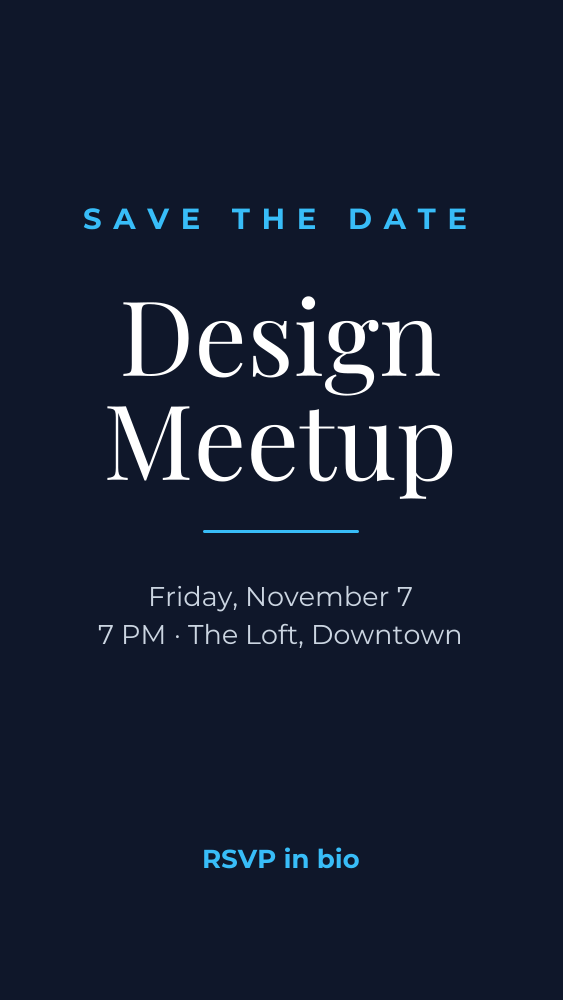
Save the date event story template
Announce an event with the date, time, and place up front.
- Size
- 1080 × 1920 px (Instagram story)
- Fonts
- Montserrat, Playfair Display
- Downloads
- PNG, JPG, WebP, SVG, PDF, MP4, GIF
- Price
- Free, no watermark
Opens in the Okaysize design editor. Your design is saved on your device, never uploaded.
How to customize it
- Click Use this template. It opens in the editor, ready to change.
- Click any text to select it, then double click to type your own words.
- Change colors and fonts from the toolbar above the page, or save your brand colors and fonts in the Brand panel.
- Add your photos from Uploads or the free Photos library, or drop them onto a frame.
- Click Download and pick a format. Stories are 1080 × 1920.
Tips for instagram stories
- Stories are 1080 × 1920. Instagram covers the top 250 and bottom 250 pixels with your name and the reply bar, so keep words in the middle.
- Pair the design with a poll, link, or countdown sticker after you upload it.
- Download as PNG for crisp text, or as MP4 if you add animations.
Questions
- Is this save the date event story template free?
- Yes. The template, every edit, and every download format are free, with no watermark and no sign up.
- Can I change the size?
- Yes. It's 1080 × 1920 pixels, and Resize in the editor turns it into any other format, like an Instagram story or a YouTube thumbnail, with everything scaled to fit.
- Can I use it for my business?
- Yes. Use it for personal and commercial projects. The fonts are open source and the photos in the Photos panel are public domain.
- Where is my design saved?
- In your browser, on your device. Nothing is uploaded. Use File, Save design file in the editor to keep a copy or move it to another device.
More templates
All instagram stories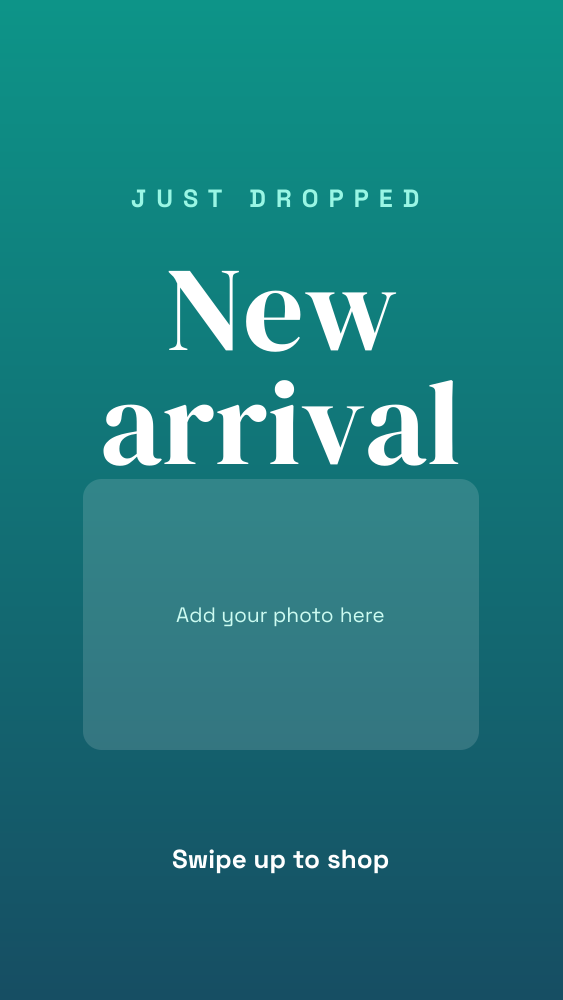 New arrival Instagram storyInstagram story · 1080 × 1920 px
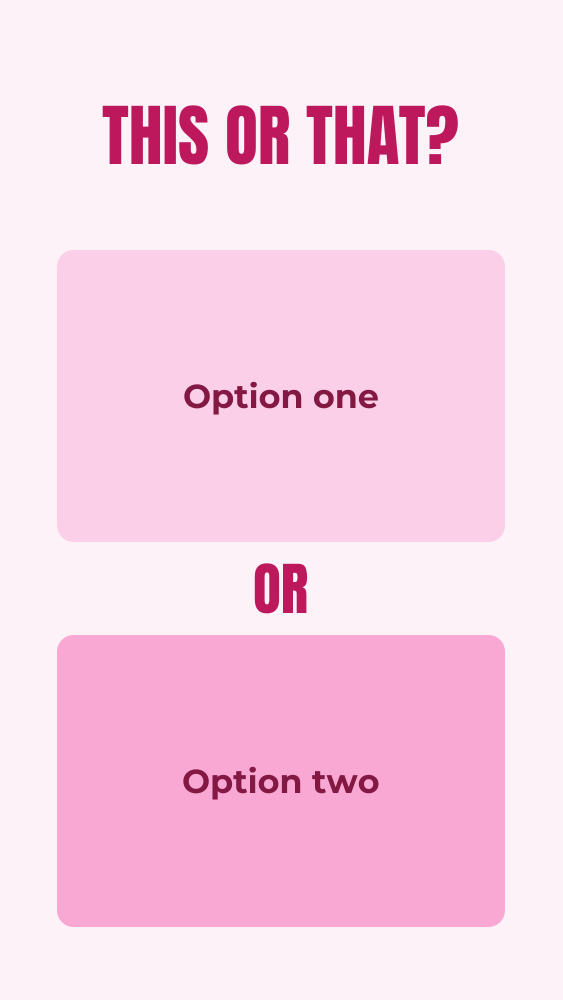 This or that Instagram storyInstagram story · 1080 × 1920 px
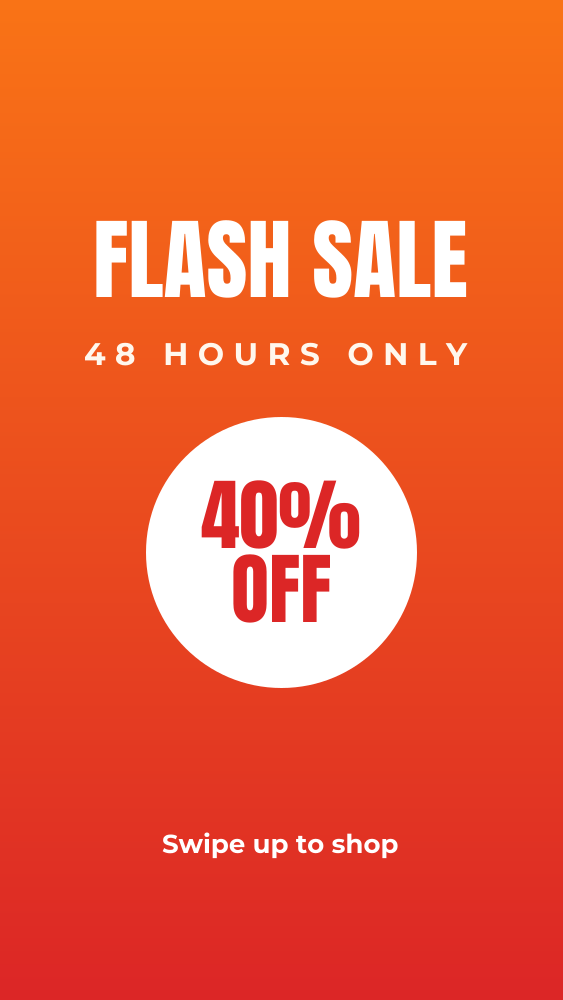 Flash sale Instagram storyInstagram story · 1080 × 1920 px
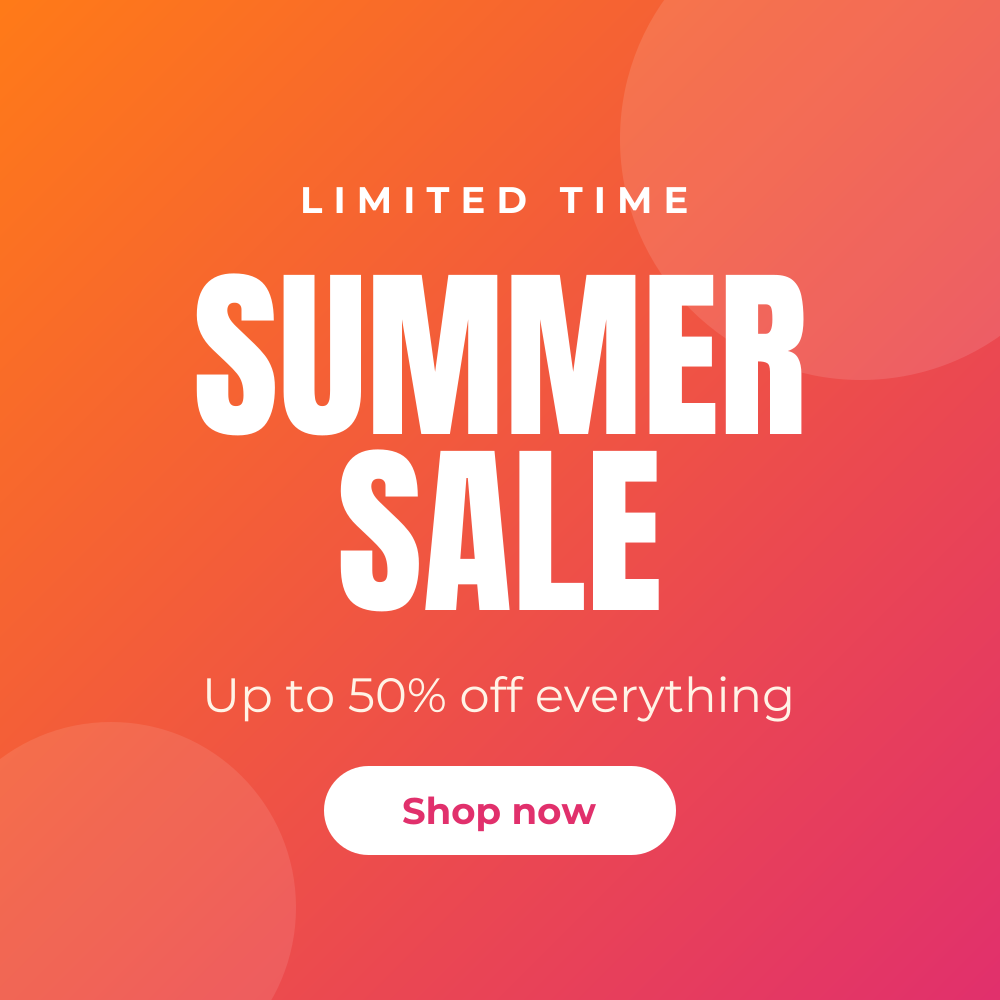 Summer sale Instagram postInstagram post · 1080 × 1080 px
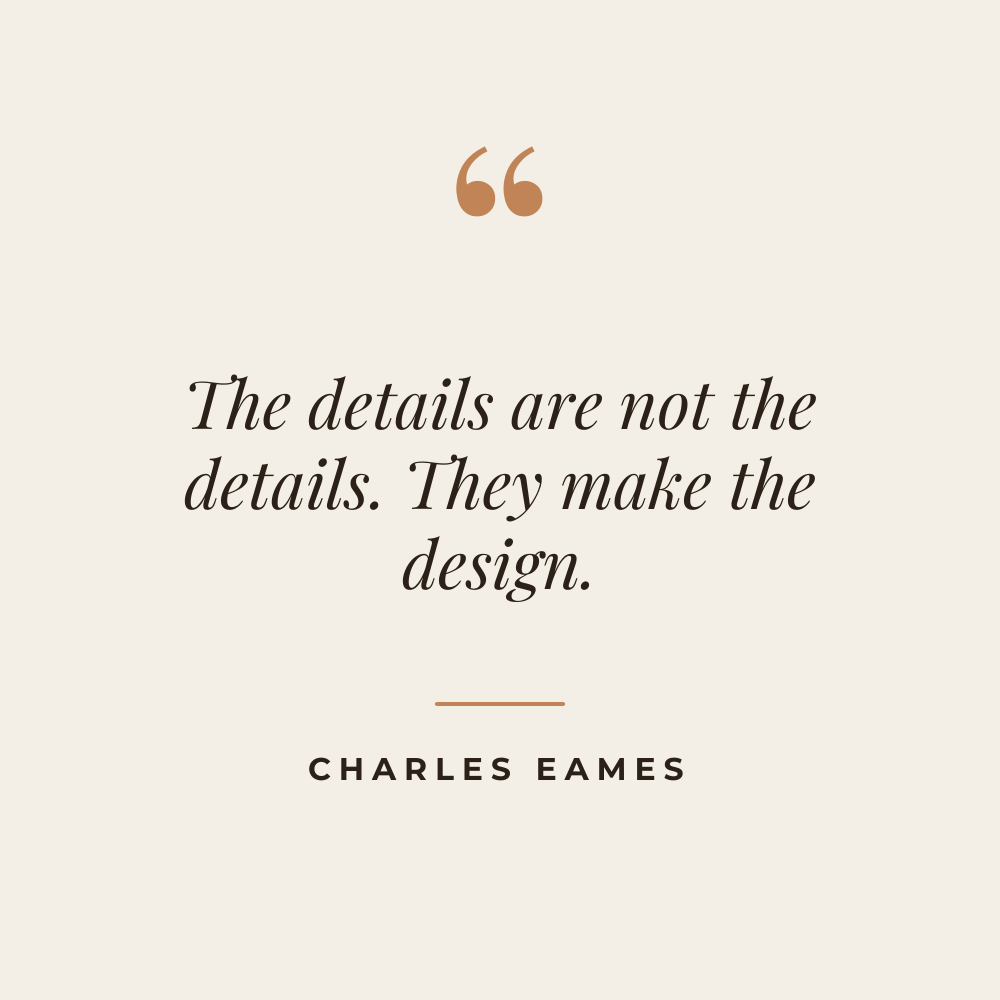 Quote Instagram postInstagram post · 1080 × 1080 px
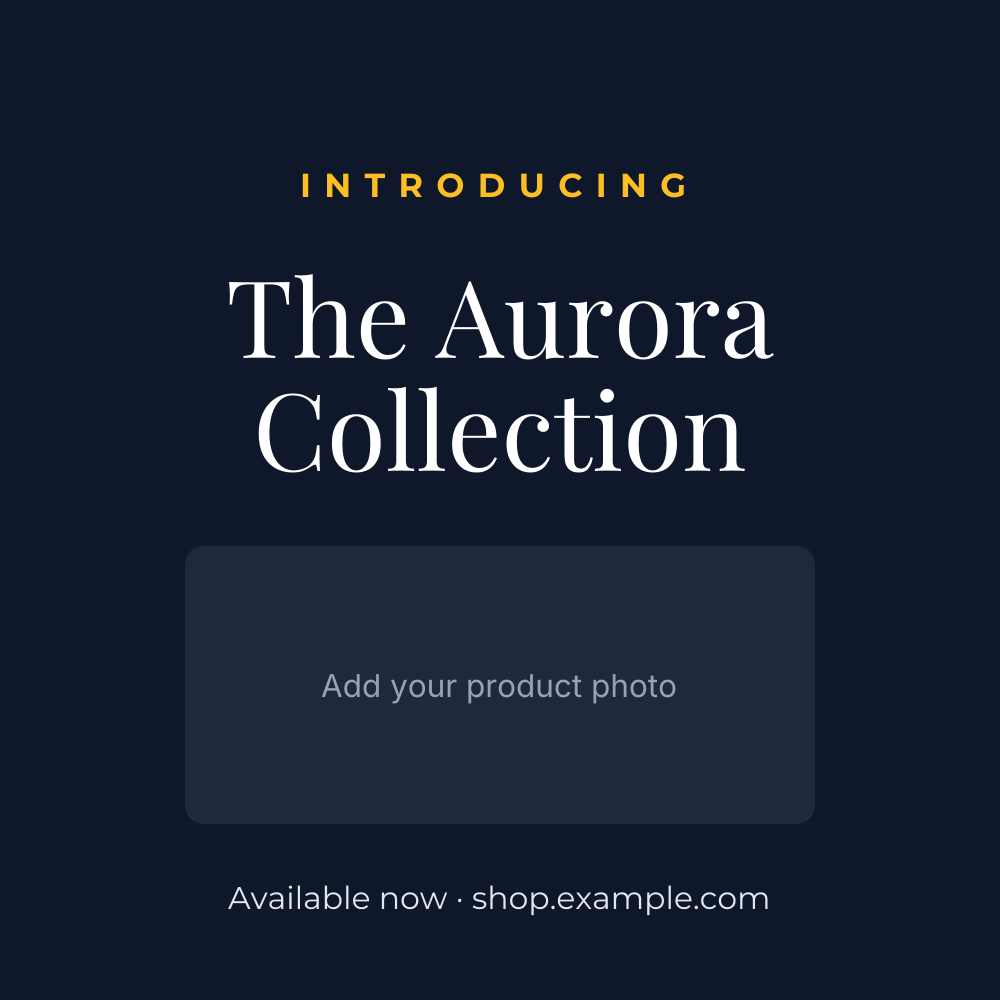 Product launch Instagram postInstagram post · 1080 × 1080 px
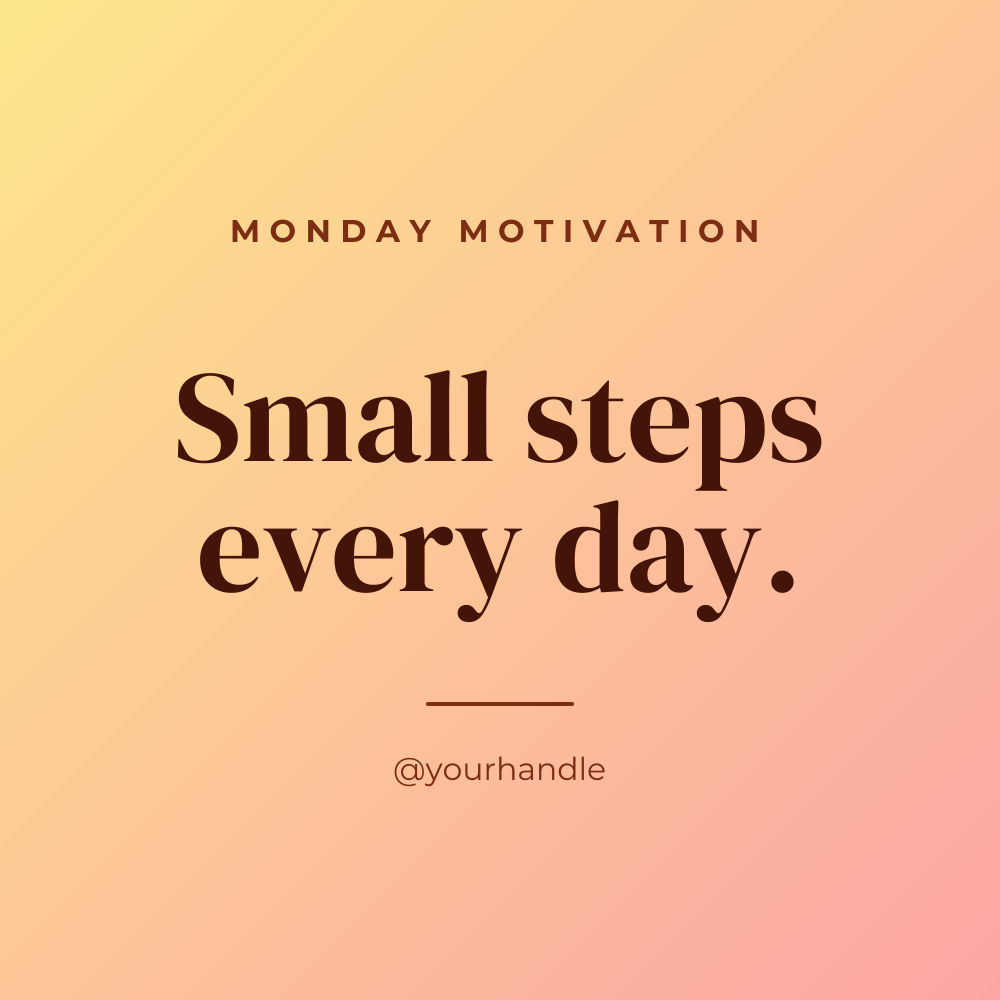 Motivational Monday postInstagram post · 1080 × 1080 px
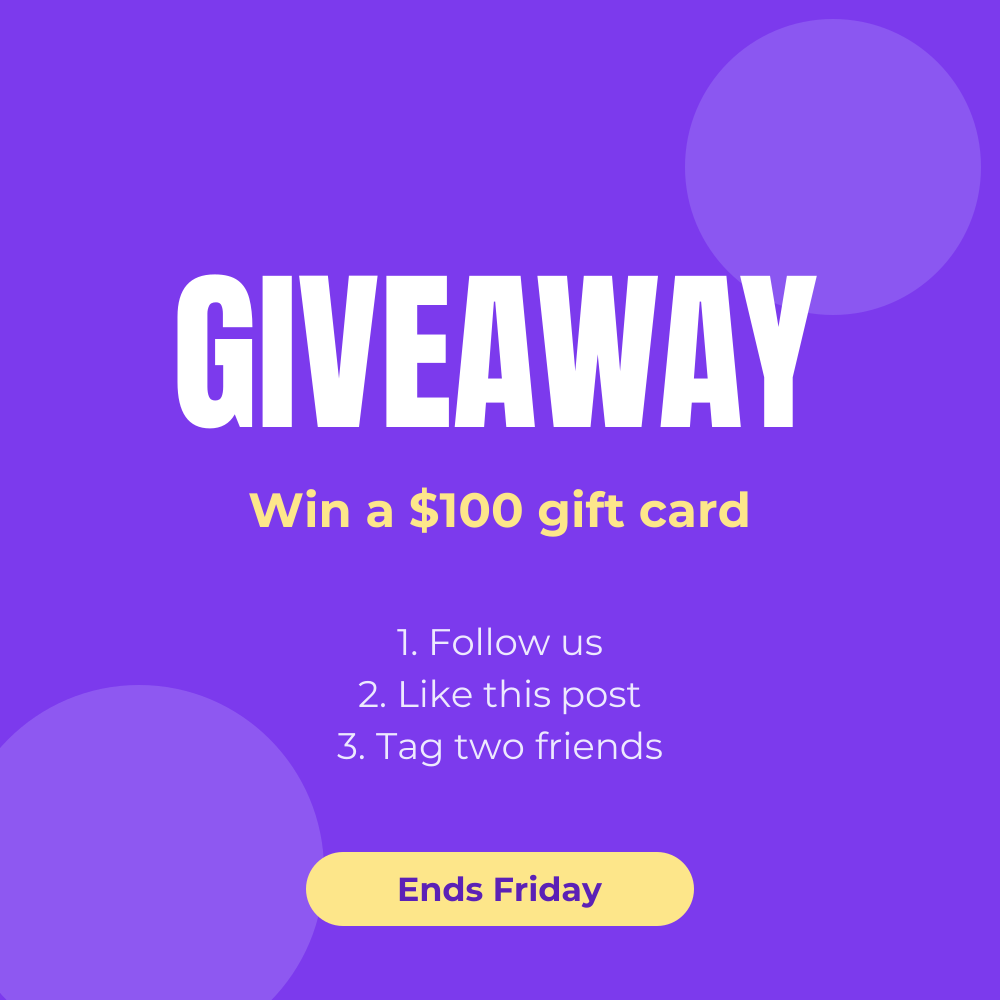 Giveaway Instagram postInstagram post · 1080 × 1080 px