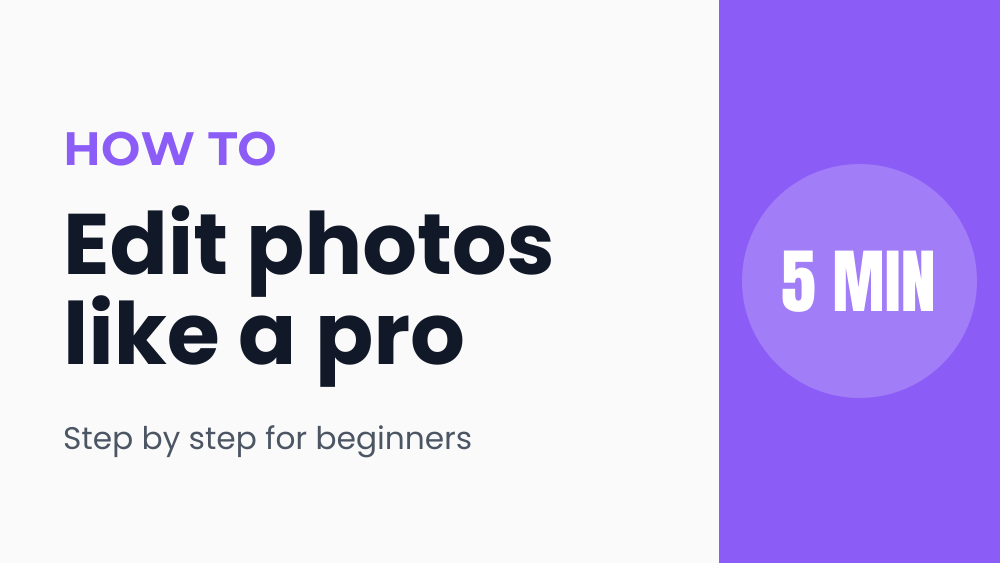
Tutorial YouTube thumbnail template
A clean, trustworthy look for how to videos and courses.
- Size
- 1280 × 720 px (YouTube thumbnail)
- Fonts
- Anton, Montserrat, Poppins
- Downloads
- PNG, JPG, WebP, SVG, PDF, MP4, GIF
- Price
- Free, no watermark
Opens in the Okaysize design editor. Your design is saved on your device, never uploaded.
How to customize it
- Click Use this template. It opens in the editor, ready to change.
- Click any text to select it, then double click to type your own words.
- Change colors and fonts from the toolbar above the page, or save your brand colors and fonts in the Brand panel.
- Add your photos from Uploads or the free Photos library, or drop them onto a frame.
- Click Download and pick a format. YouTube thumbnails are 1280 × 720 and must be under 2 MB.
Tips for youtube thumbnails
- YouTube thumbnails are 1280 × 720 and must be under 2 MB. Download as JPG with the file size limit set to 2 MB.
- Three to five words is plenty. Your title already explains the video.
- High contrast text and a face or object people recognize get the most clicks.
Questions
- Is this tutorial youtube thumbnail template free?
- Yes. The template, every edit, and every download format are free, with no watermark and no sign up.
- Can I change the size?
- Yes. It's 1280 × 720 pixels, and Resize in the editor turns it into any other format, like an Instagram story or a YouTube thumbnail, with everything scaled to fit.
- Can I use it for my business?
- Yes. Use it for personal and commercial projects. The fonts are open source and the photos in the Photos panel are public domain.
- Where is my design saved?
- In your browser, on your device. Nothing is uploaded. Use File, Save design file in the editor to keep a copy or move it to another device.
More templates
All youtube thumbnails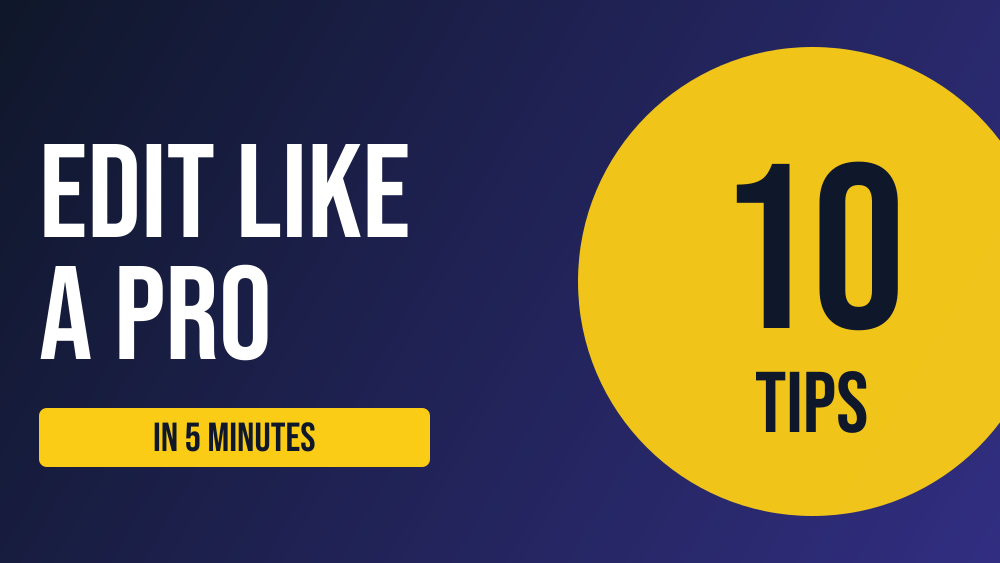 Bold YouTube thumbnailYouTube thumbnail · 1280 × 720 px
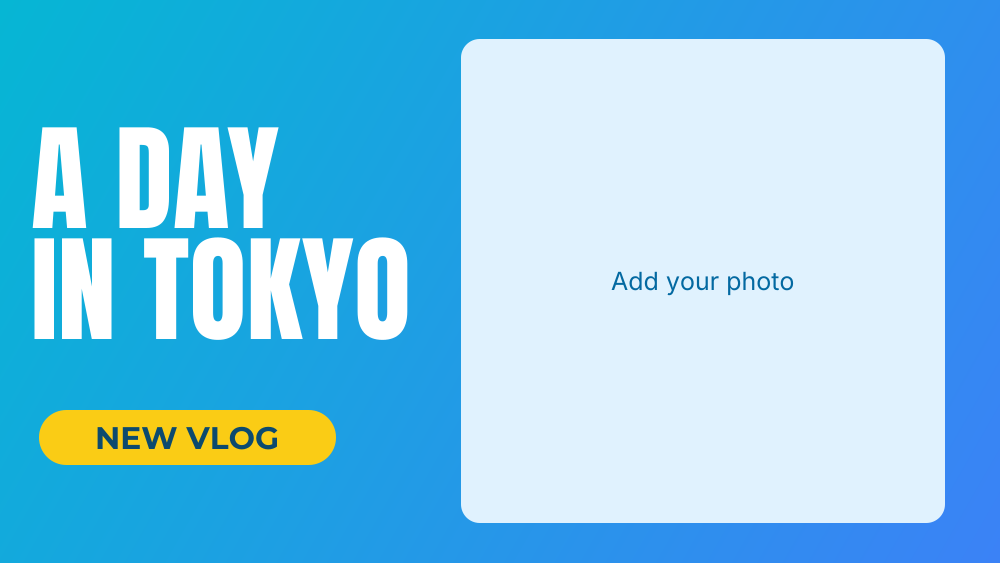 Travel vlog YouTube thumbnailYouTube thumbnail · 1280 × 720 px
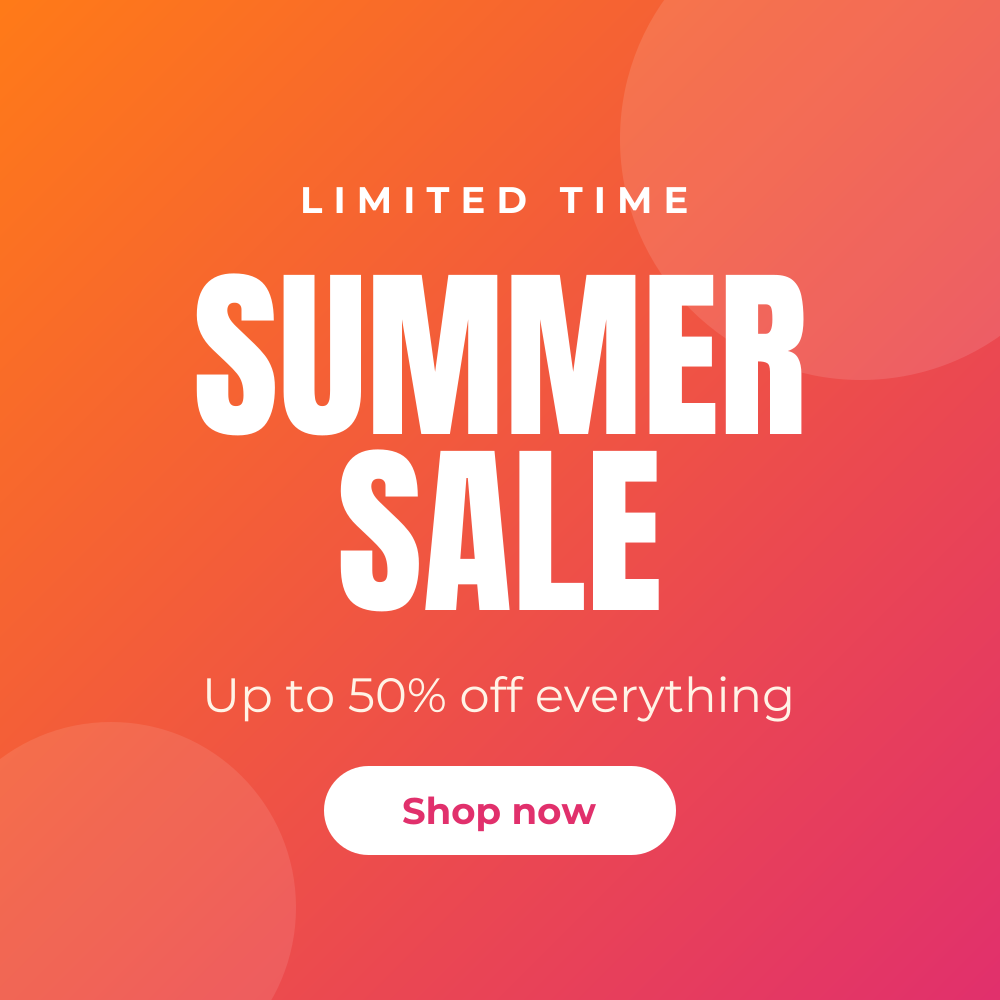 Summer sale Instagram postInstagram post · 1080 × 1080 px
 Quote Instagram postInstagram post · 1080 × 1080 px
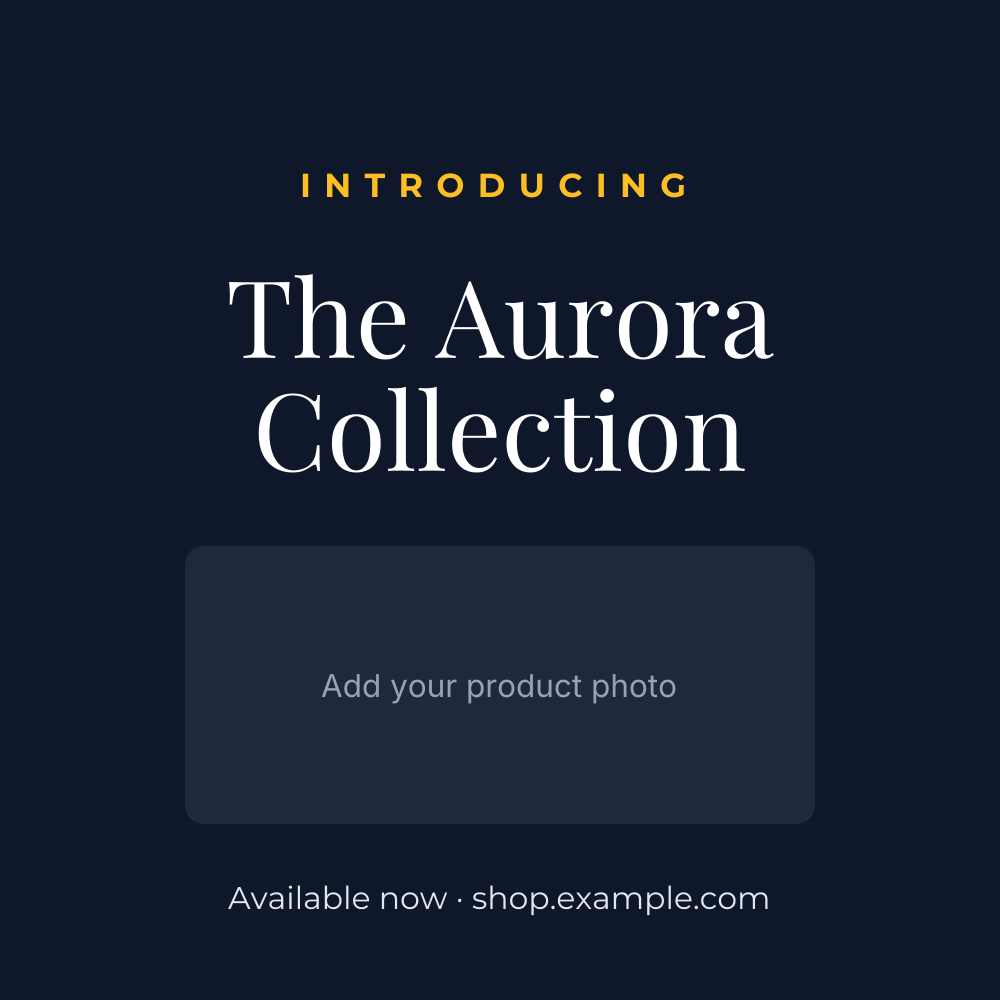 Product launch Instagram postInstagram post · 1080 × 1080 px
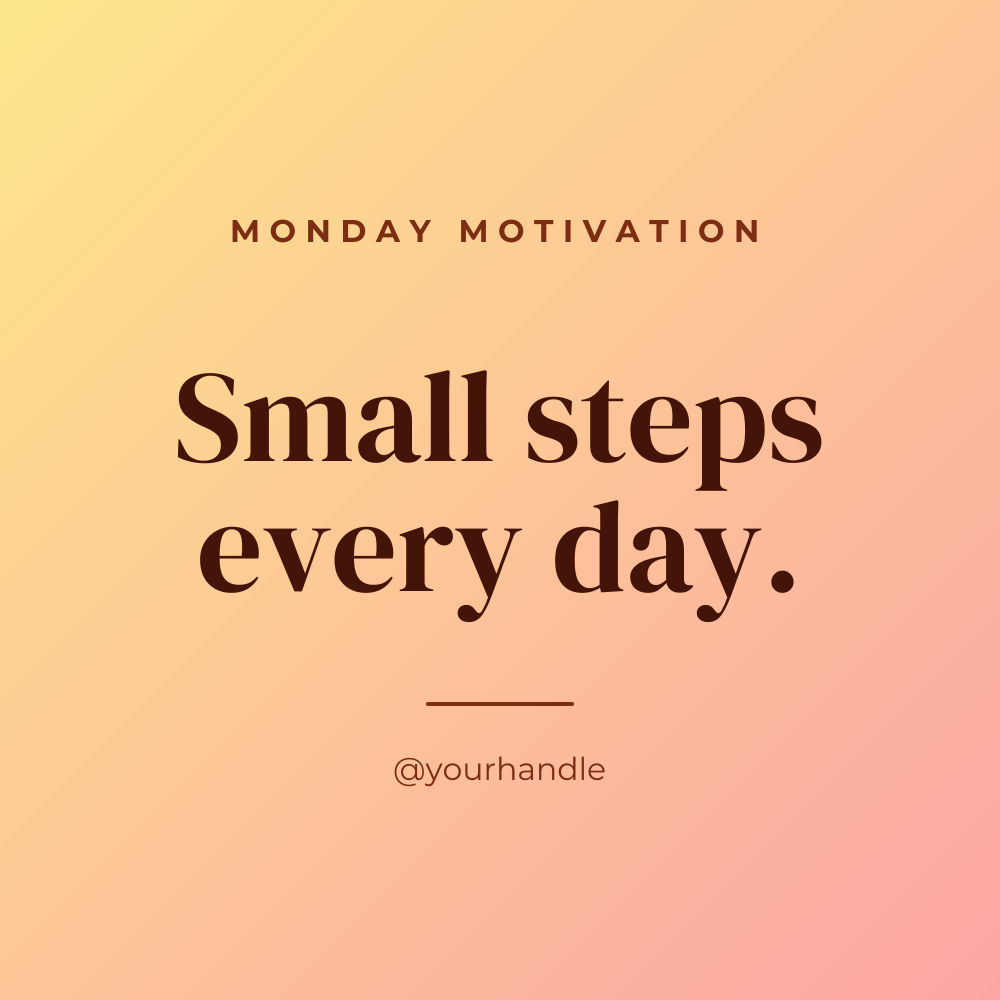 Motivational Monday postInstagram post · 1080 × 1080 px
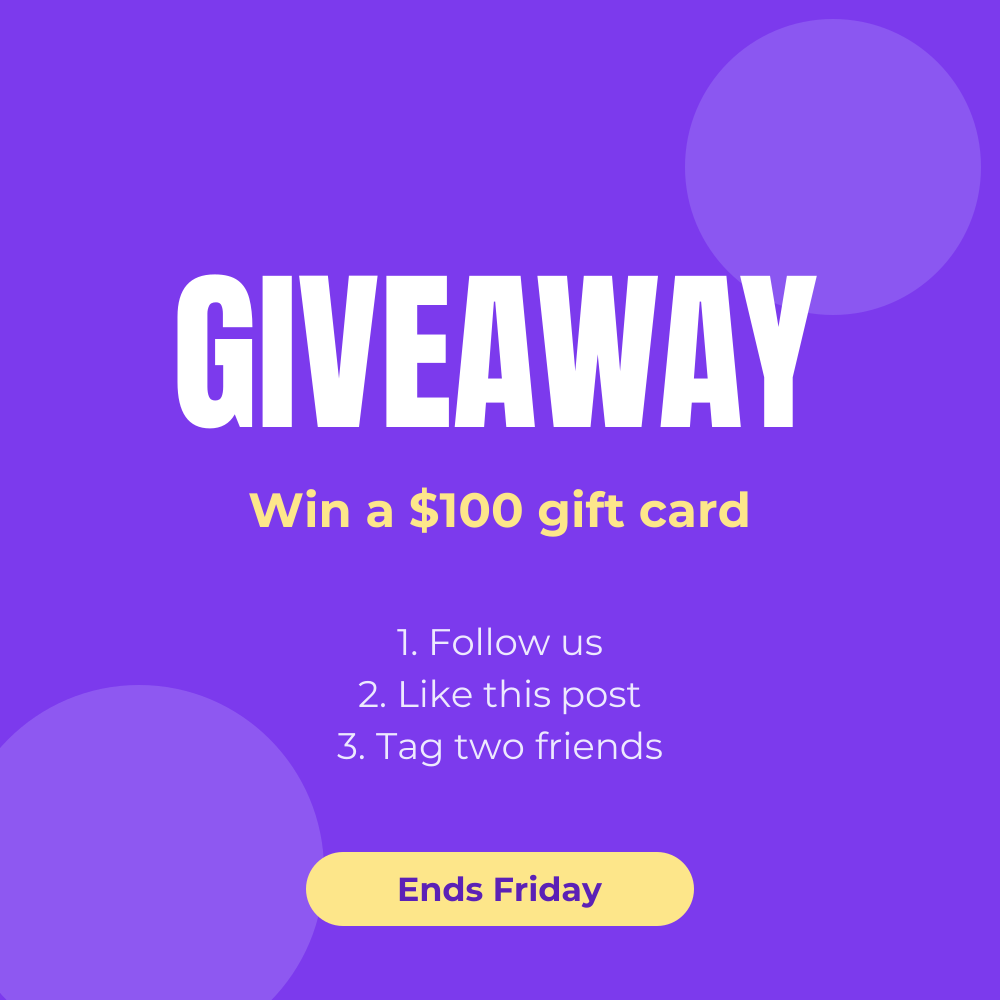 Giveaway Instagram postInstagram post · 1080 × 1080 px
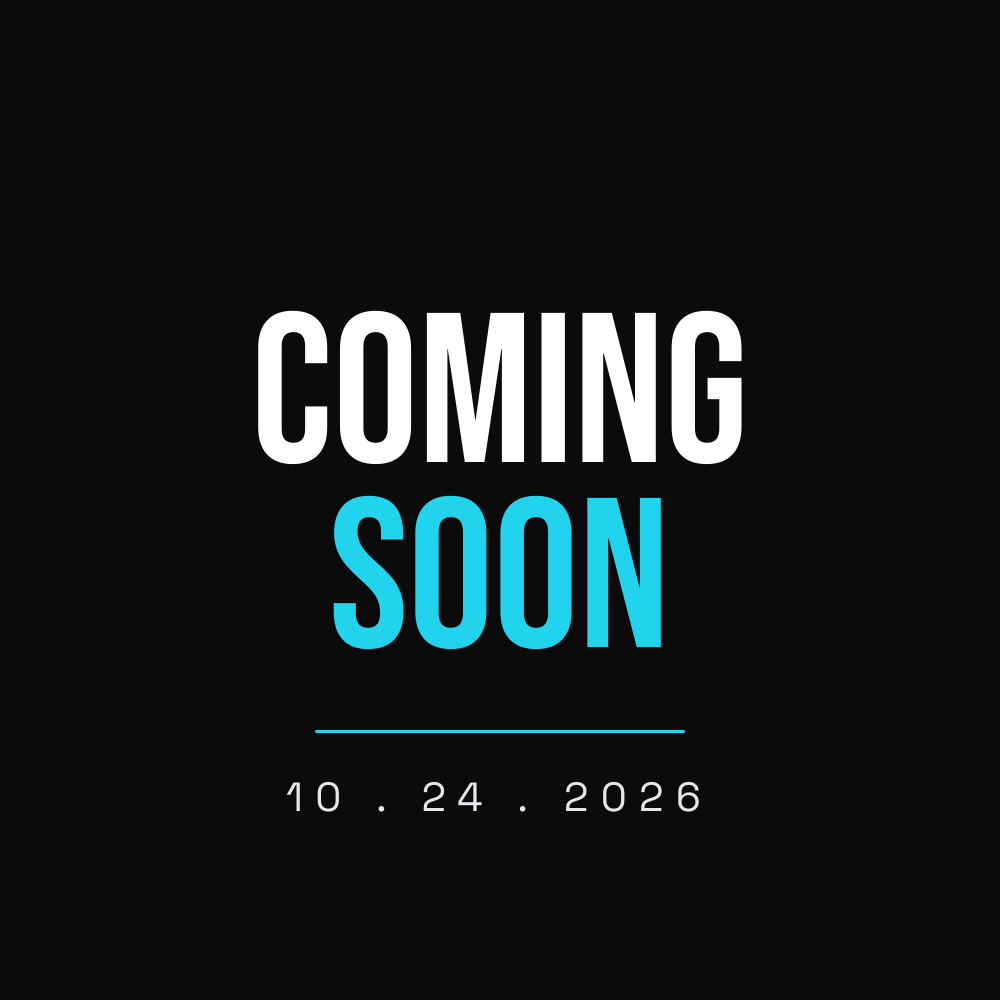 Coming soon Instagram postInstagram post · 1080 × 1080 px